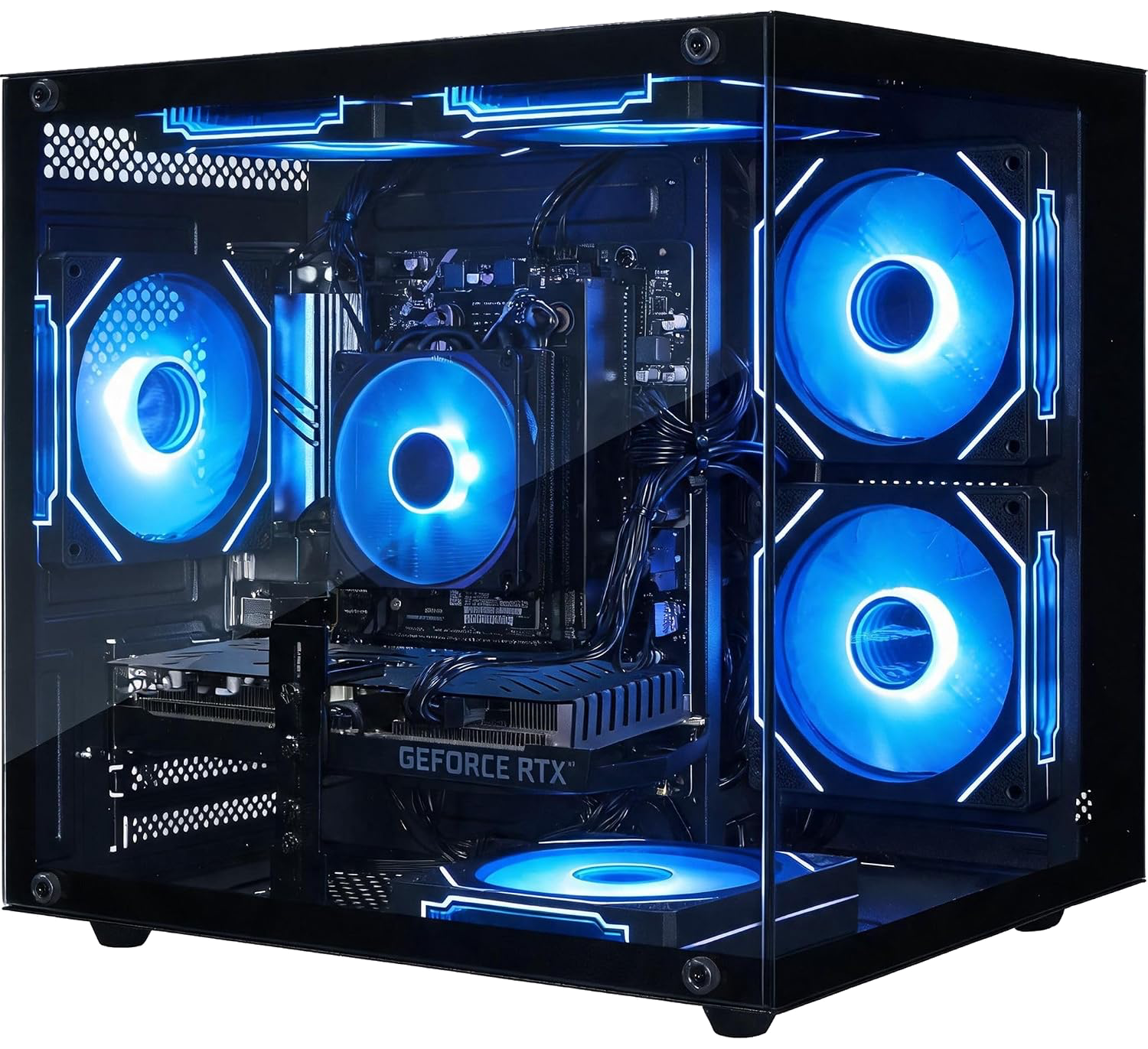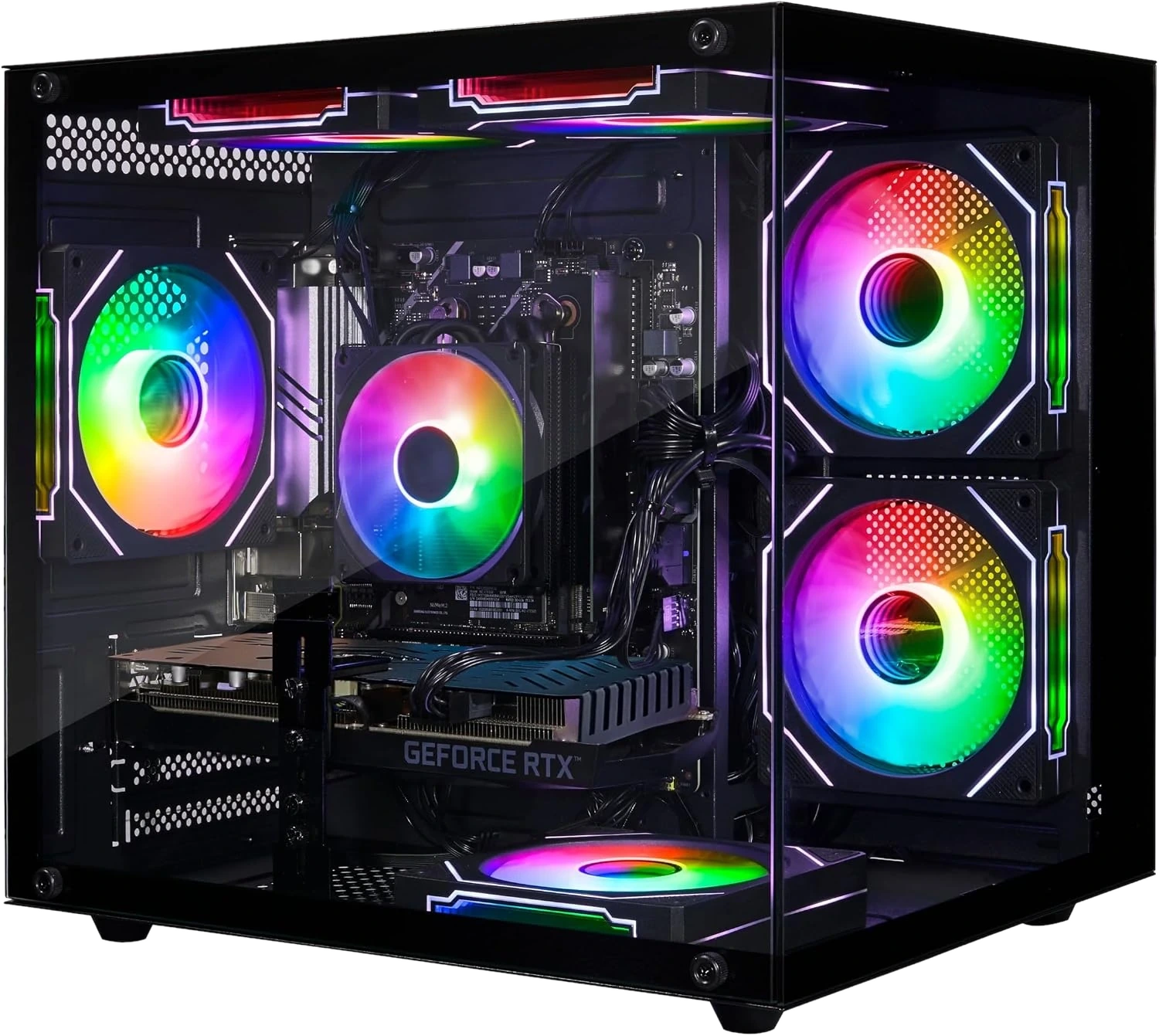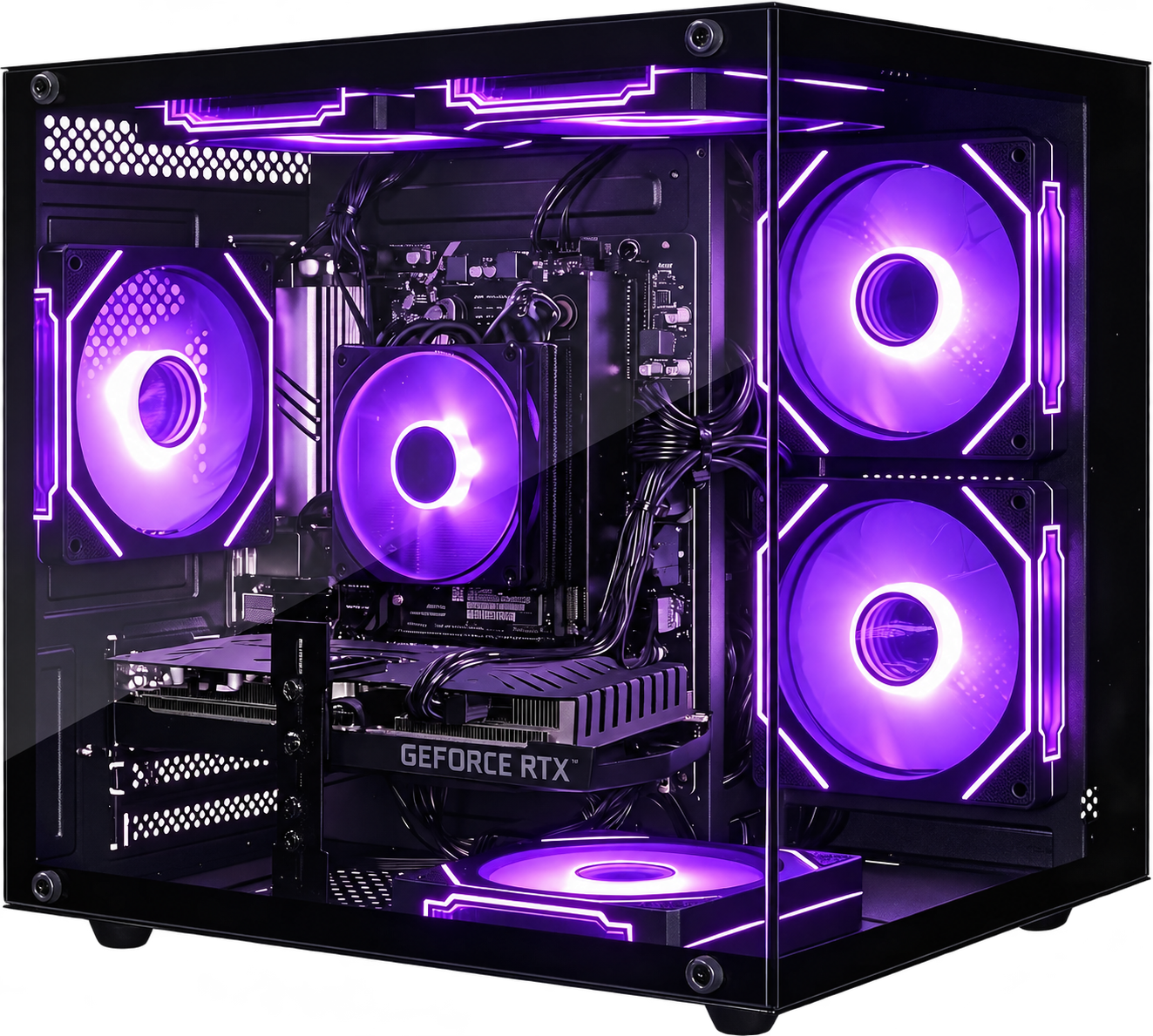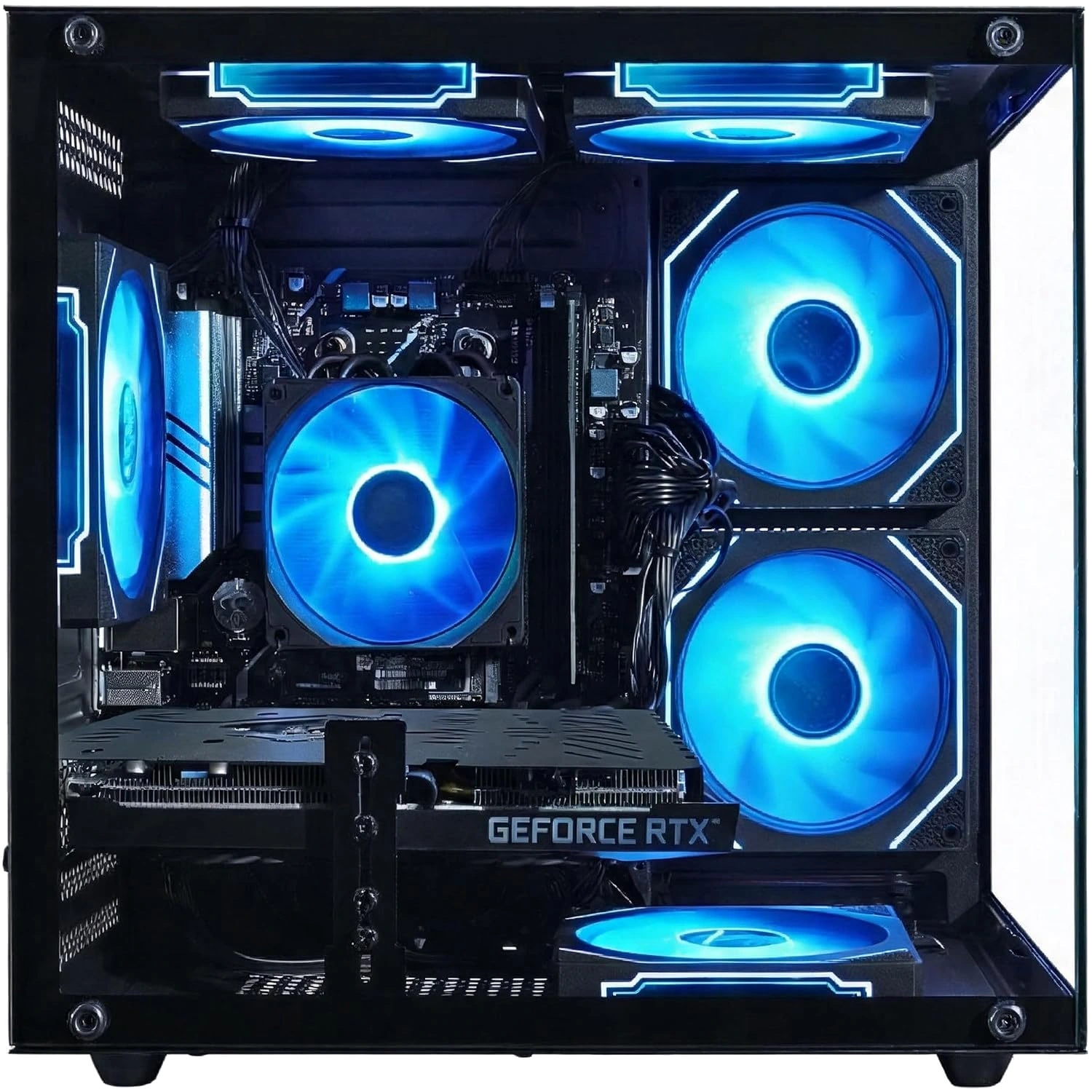
Official Olialia gaming PCsPanoramic RGB designSupport & setup →

Returns & Refunds Guidance

Find the return deadline for your Olialia order, request authorization and prepare your PC for an approved return.

Check your order first

This website provides product information and support; purchases are completed through the linked marketplace. The return window and available options depend on your seller and order. Check your purchase-channel order details before starting a return.

Request return instructions

Use the return options available through your original purchase channel. Keep your order reference, product model and reason for return ready. If the process is unclear, open a support ticket for help identifying the next step. A support ticket is not a return authorization.

Before sending a PC

Wait for authorization, the return destination and any shipping-label instructions. Back up your files, remove personal information and account access, and use protective packaging suitable for a desktop PC and glass panels. Follow the item and accessory checklist supplied with the authorization.

Shipping costs and refunds

Confirm shipping responsibility and any deductions under the terms applicable to your order. Check refund status through the original purchase channel. This website does not publish a universal return period, free-return promise, fee schedule or refund-processing deadline.

Questions & answers

Where can I find my return deadline?

Check the order details and return options in the marketplace or store where you purchased the PC. The deadline applicable to that order controls the process.

Can I send the PC back after opening a support ticket?

Wait for return authorization and shipping instructions. Opening a support ticket does not authorize a return or provide a return address.

Need help with your PC?

Have your model and purchase details ready.