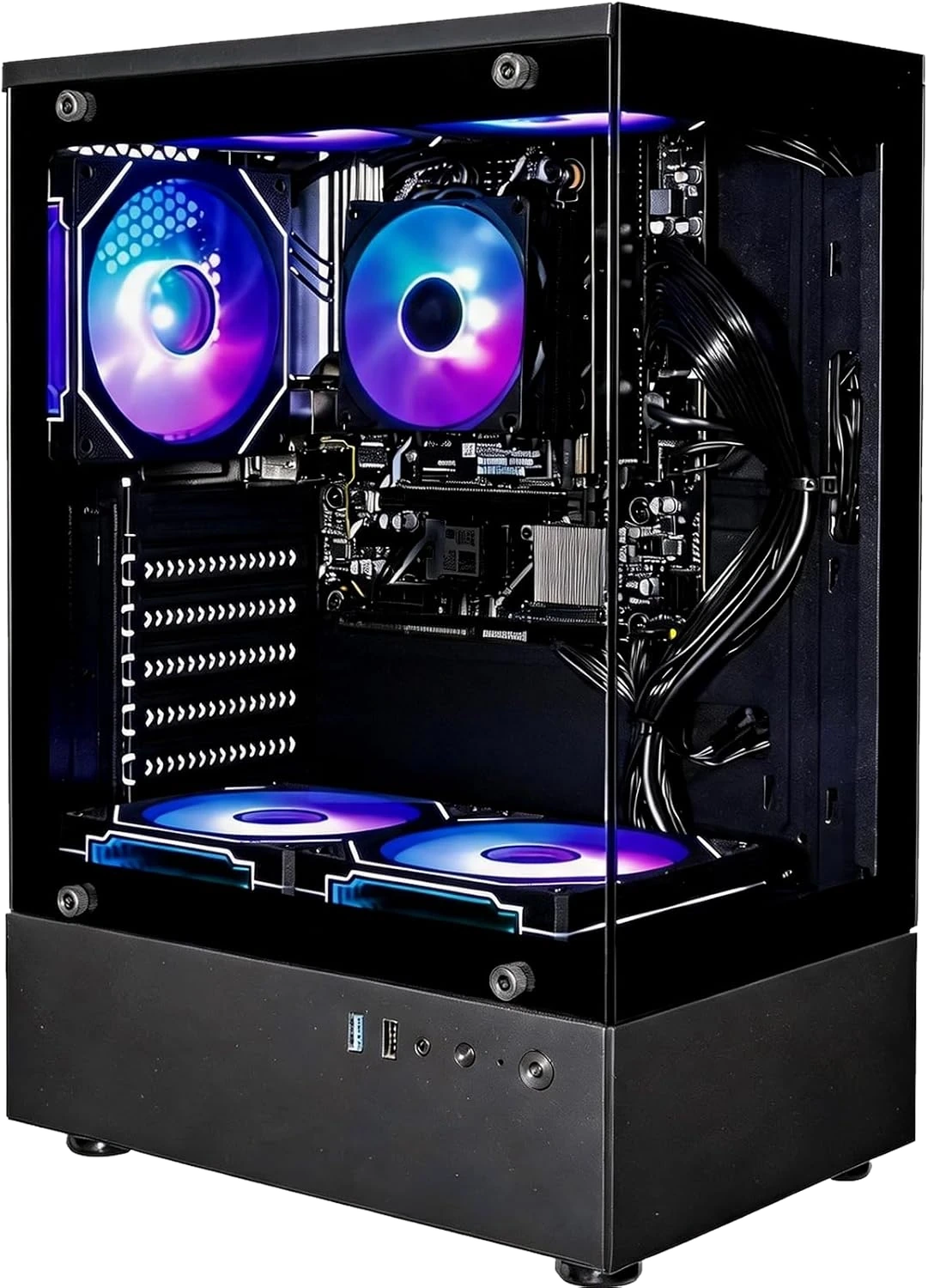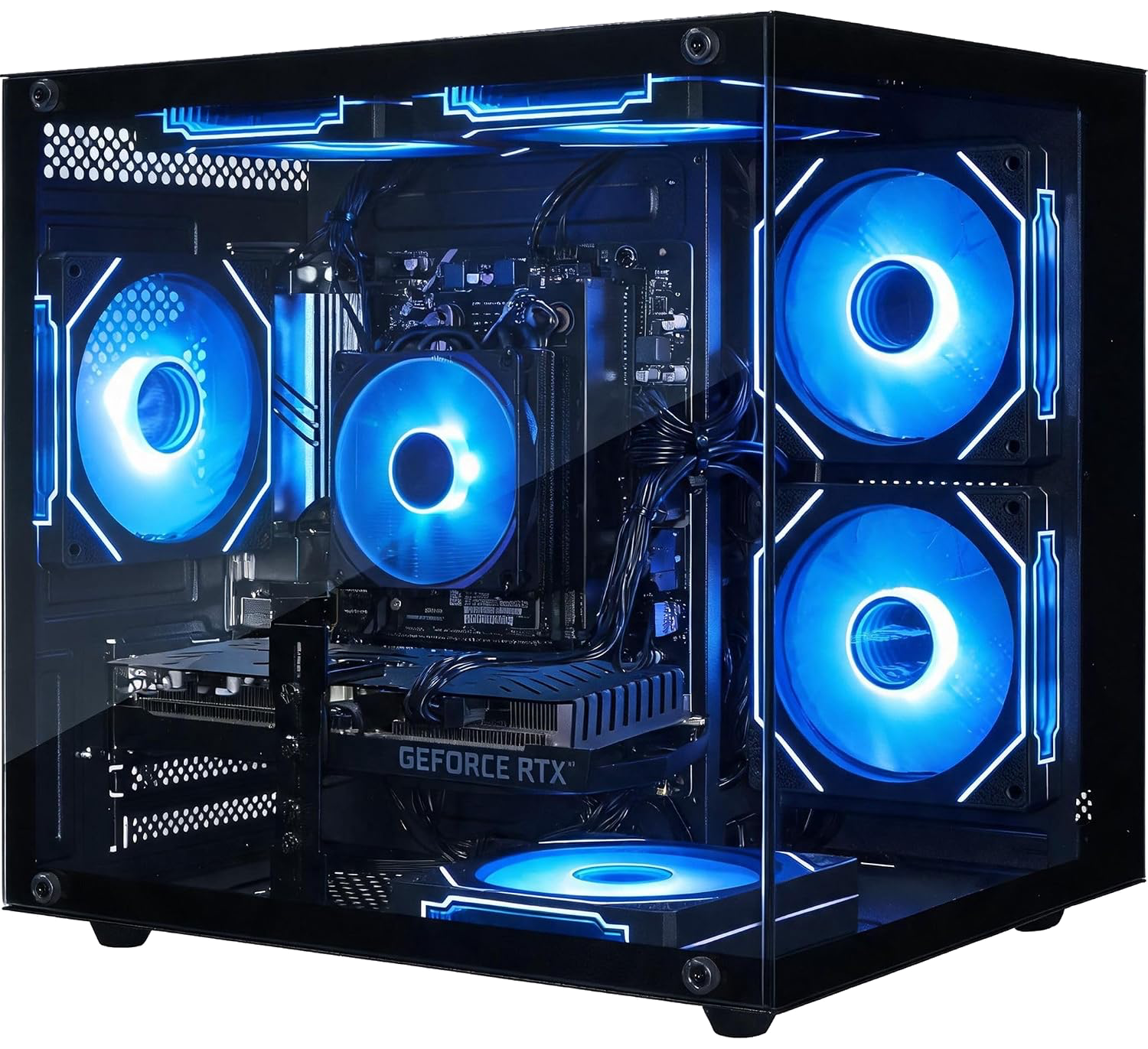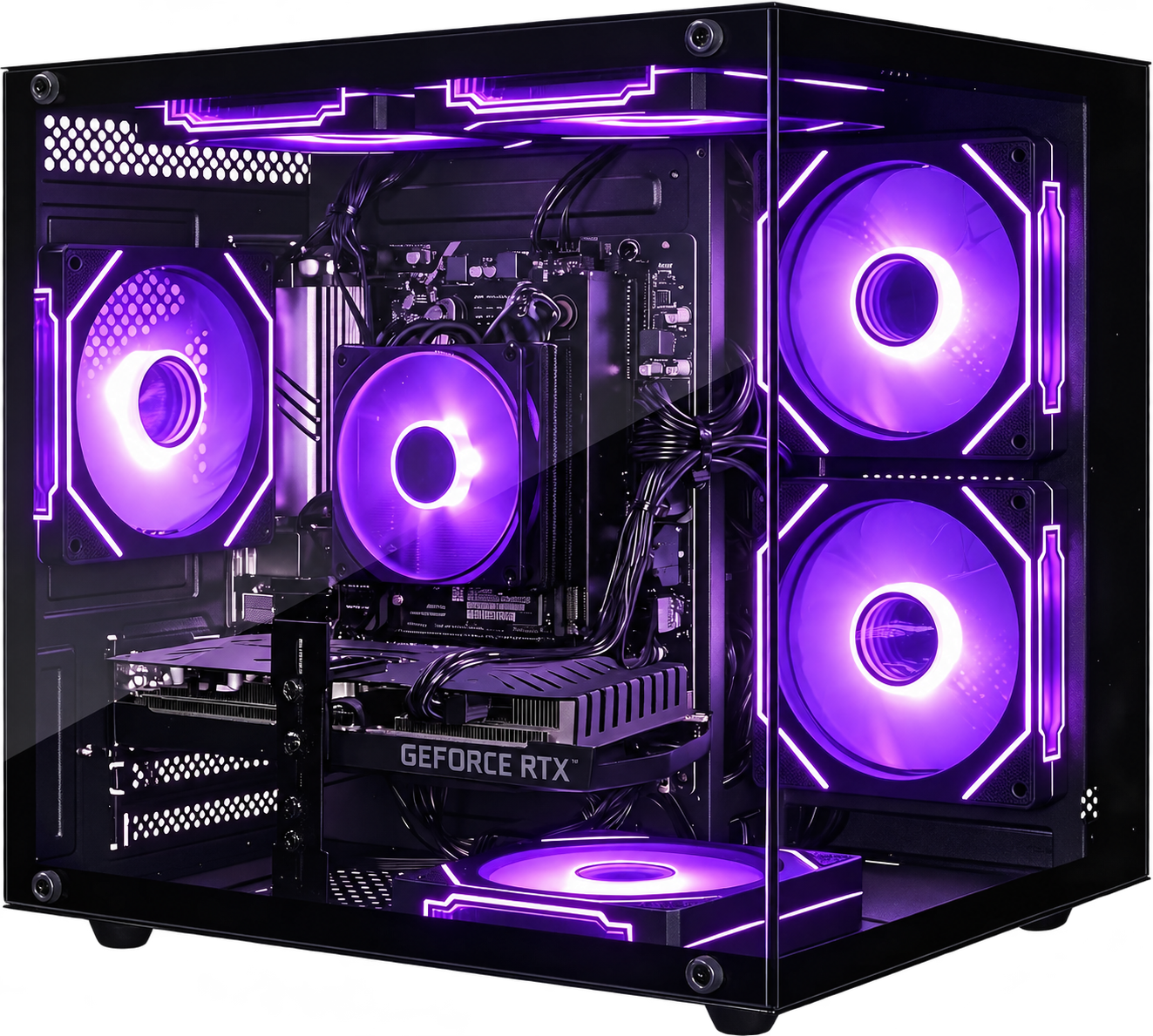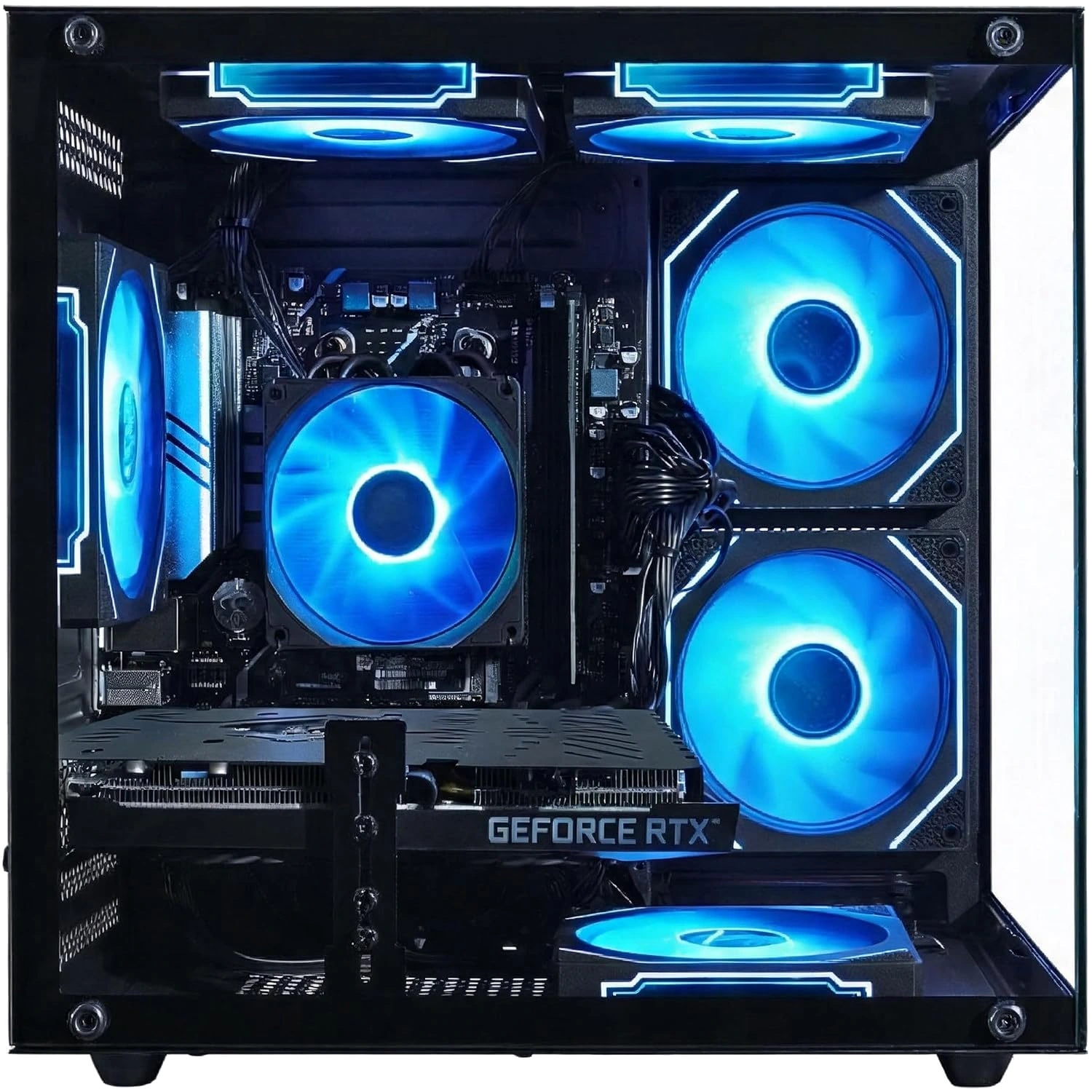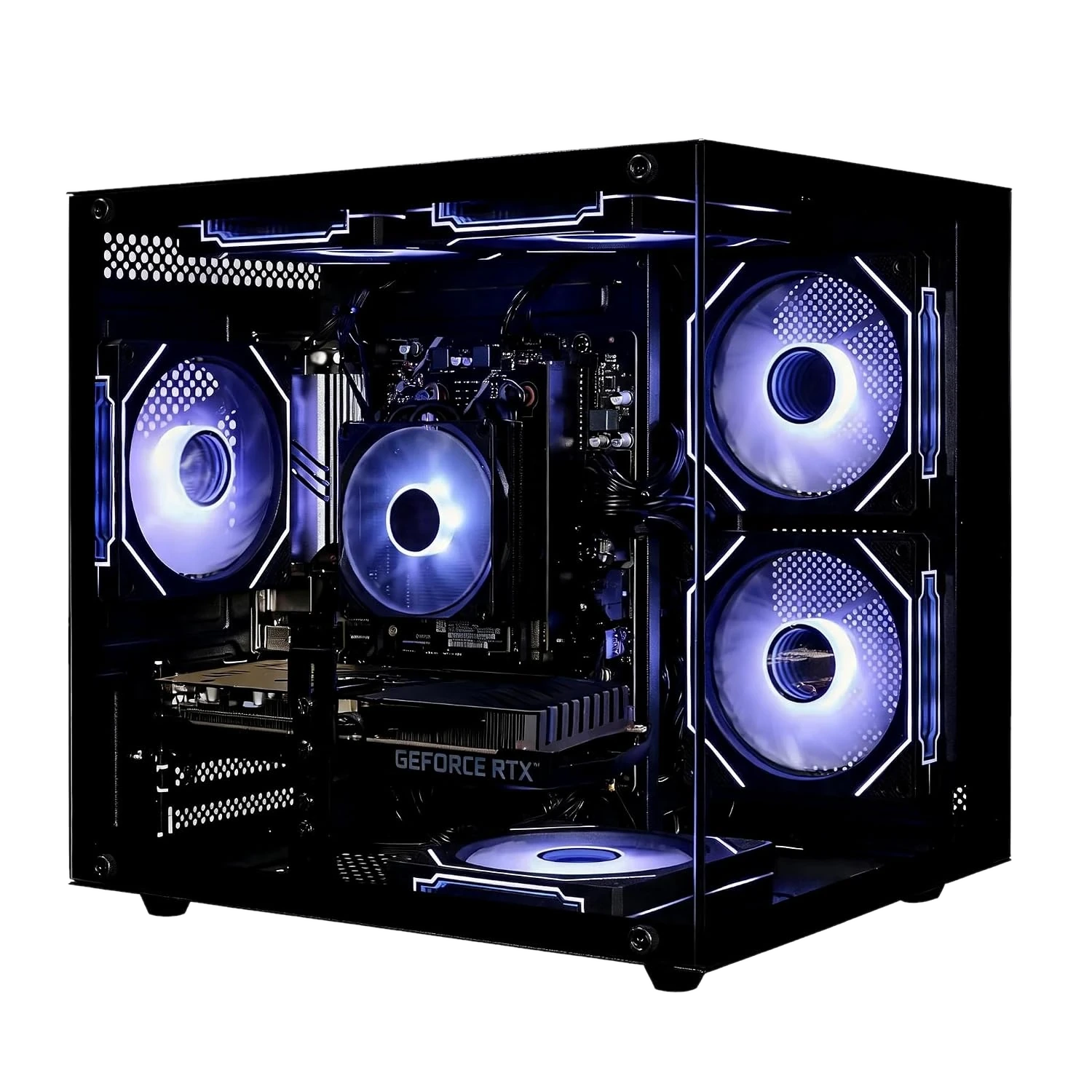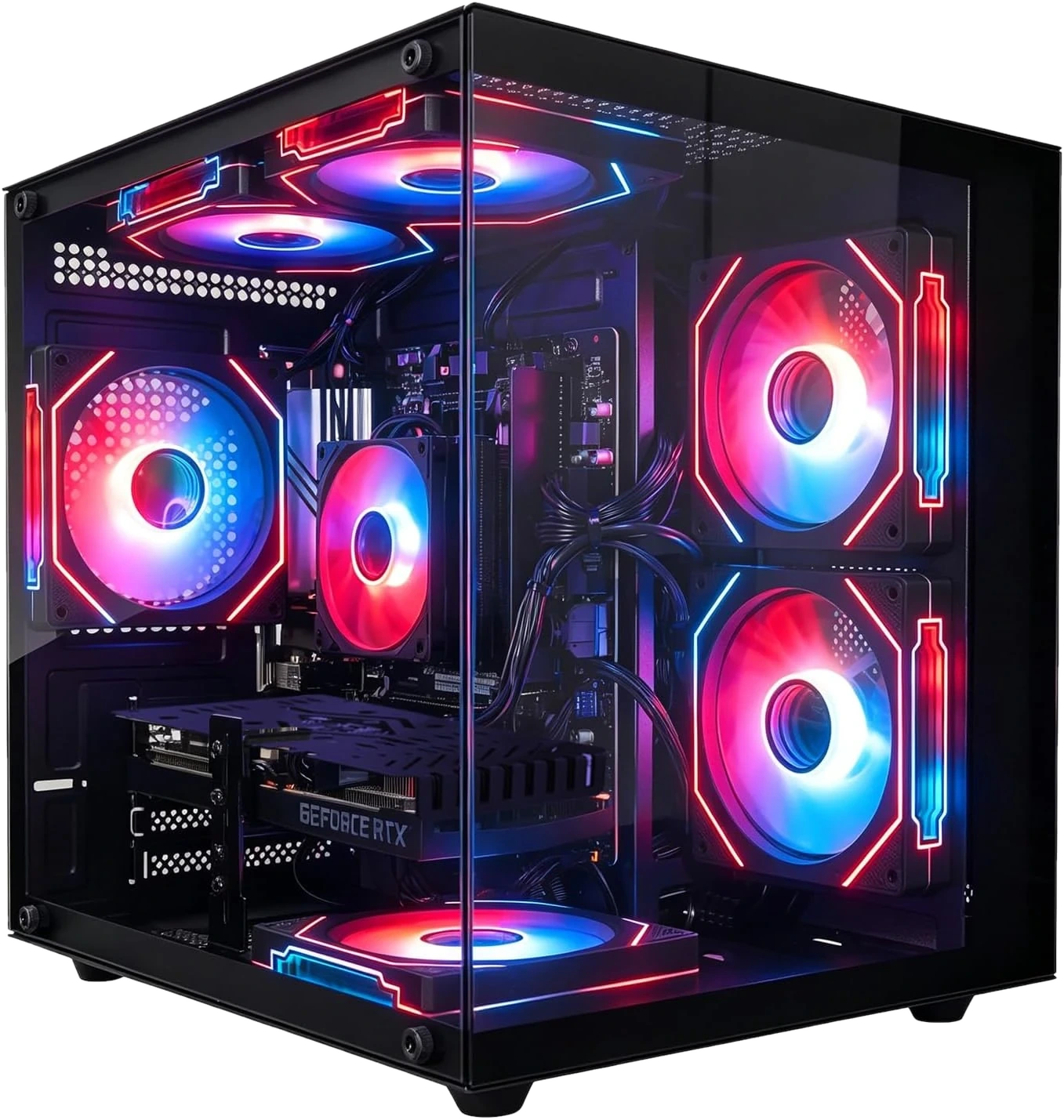
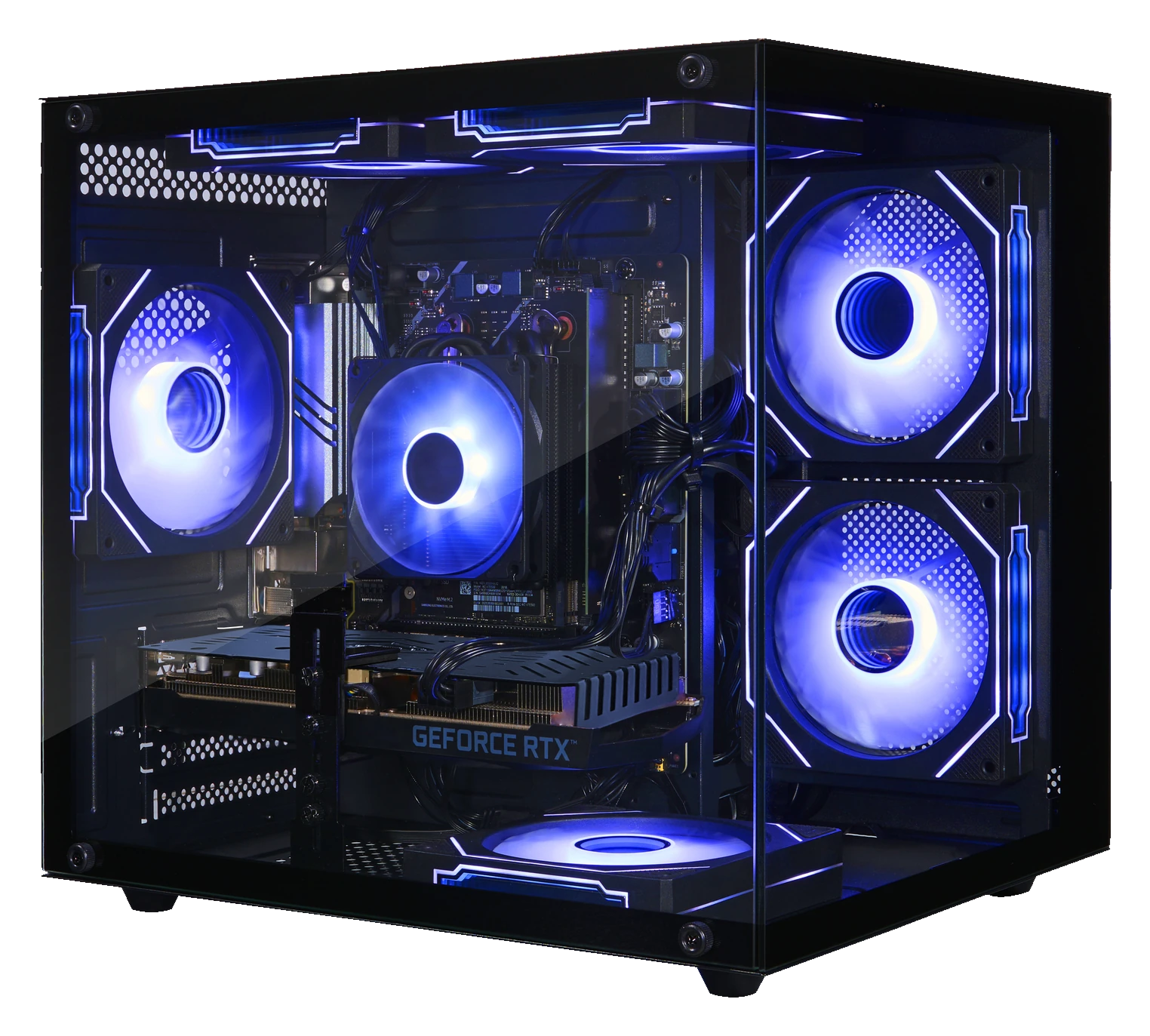
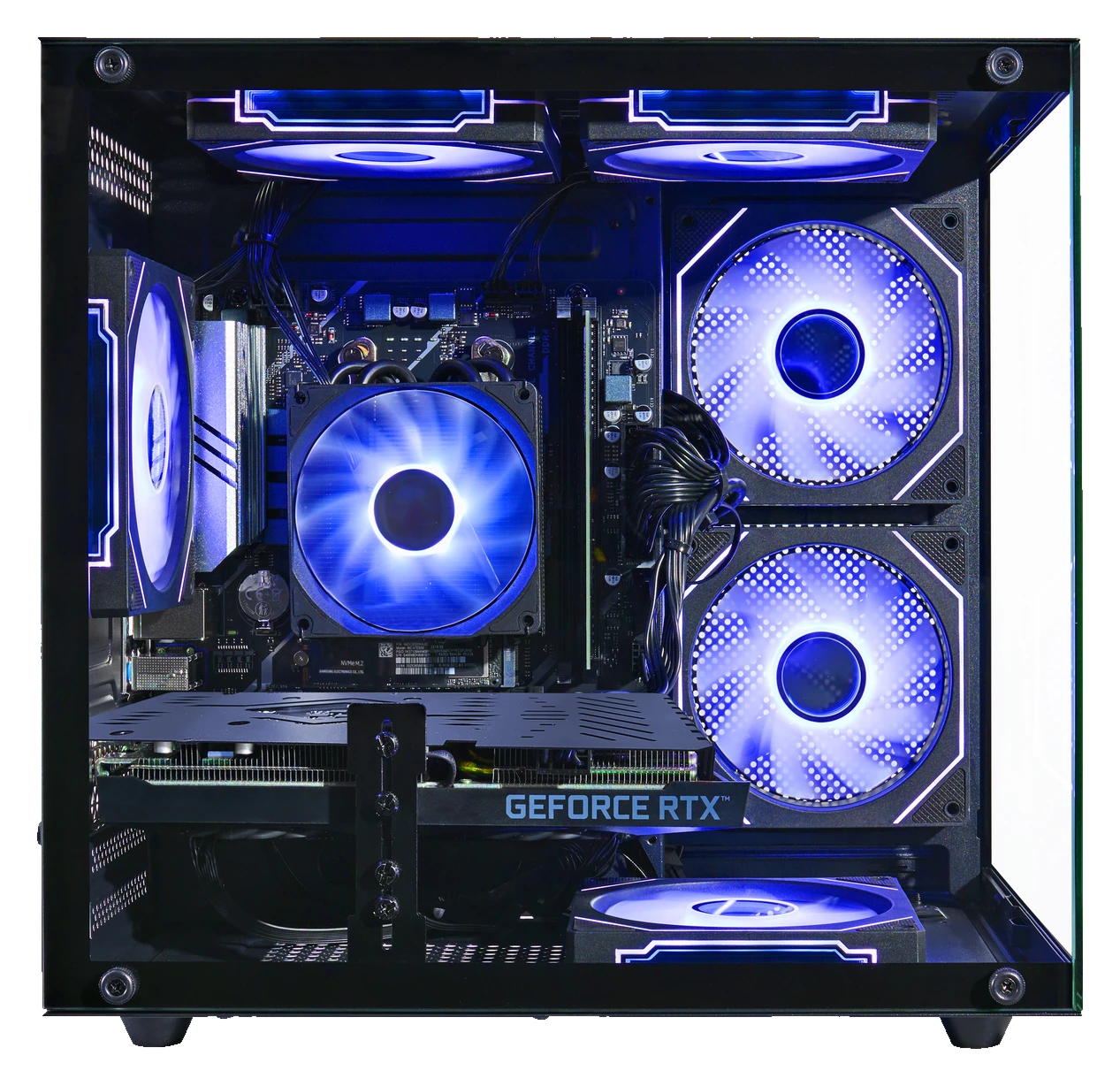
Official Olialia gaming PCsPanoramic RGB designSupport & setup →
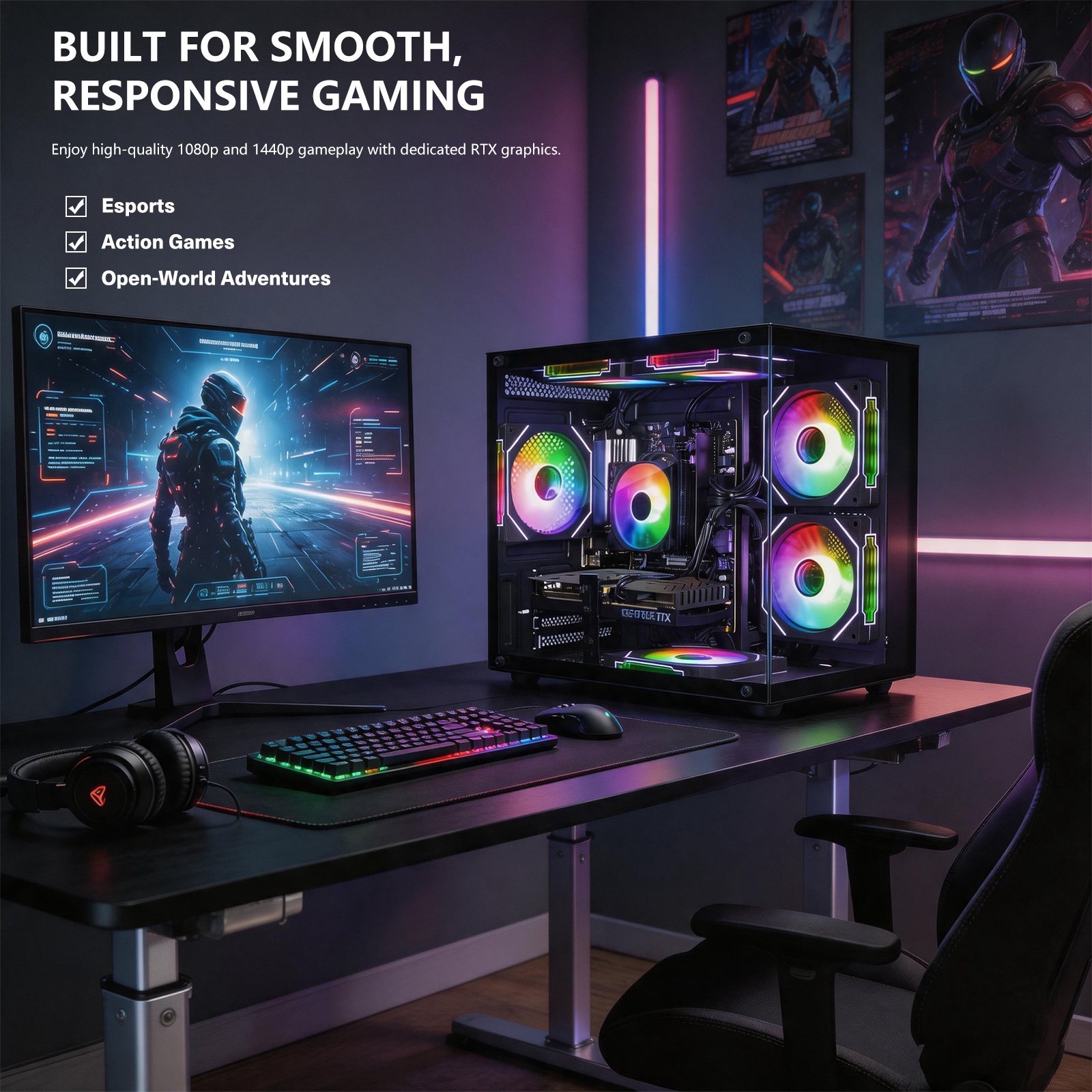
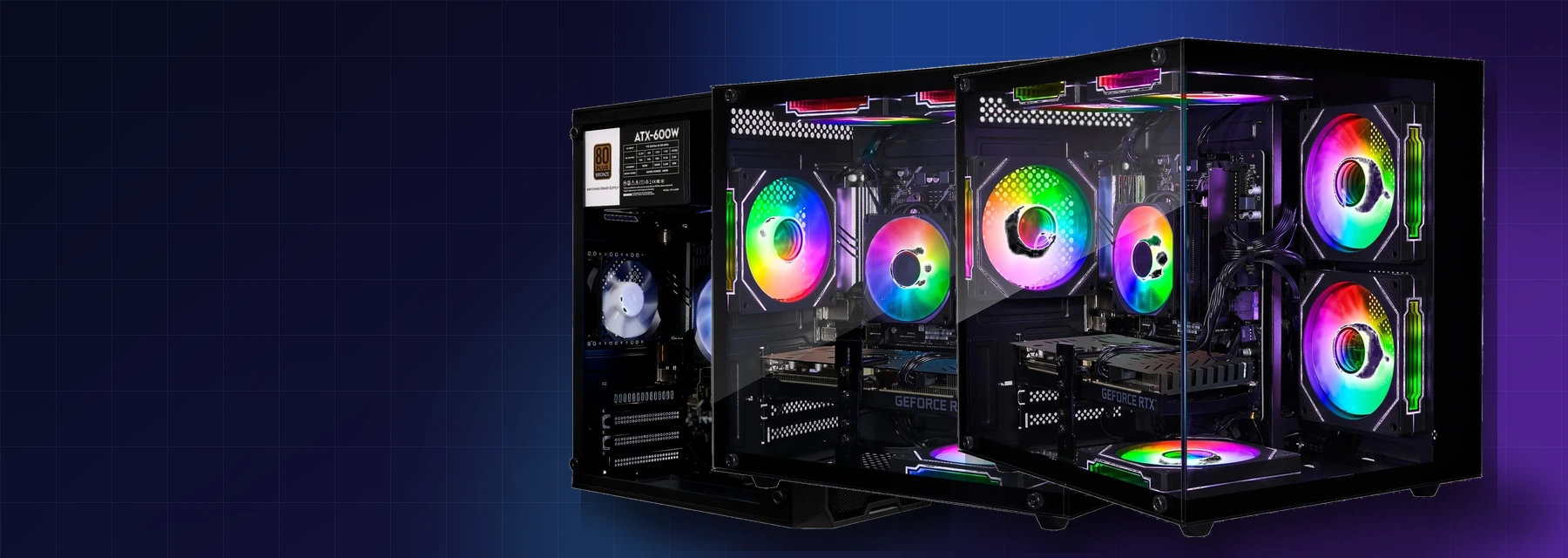
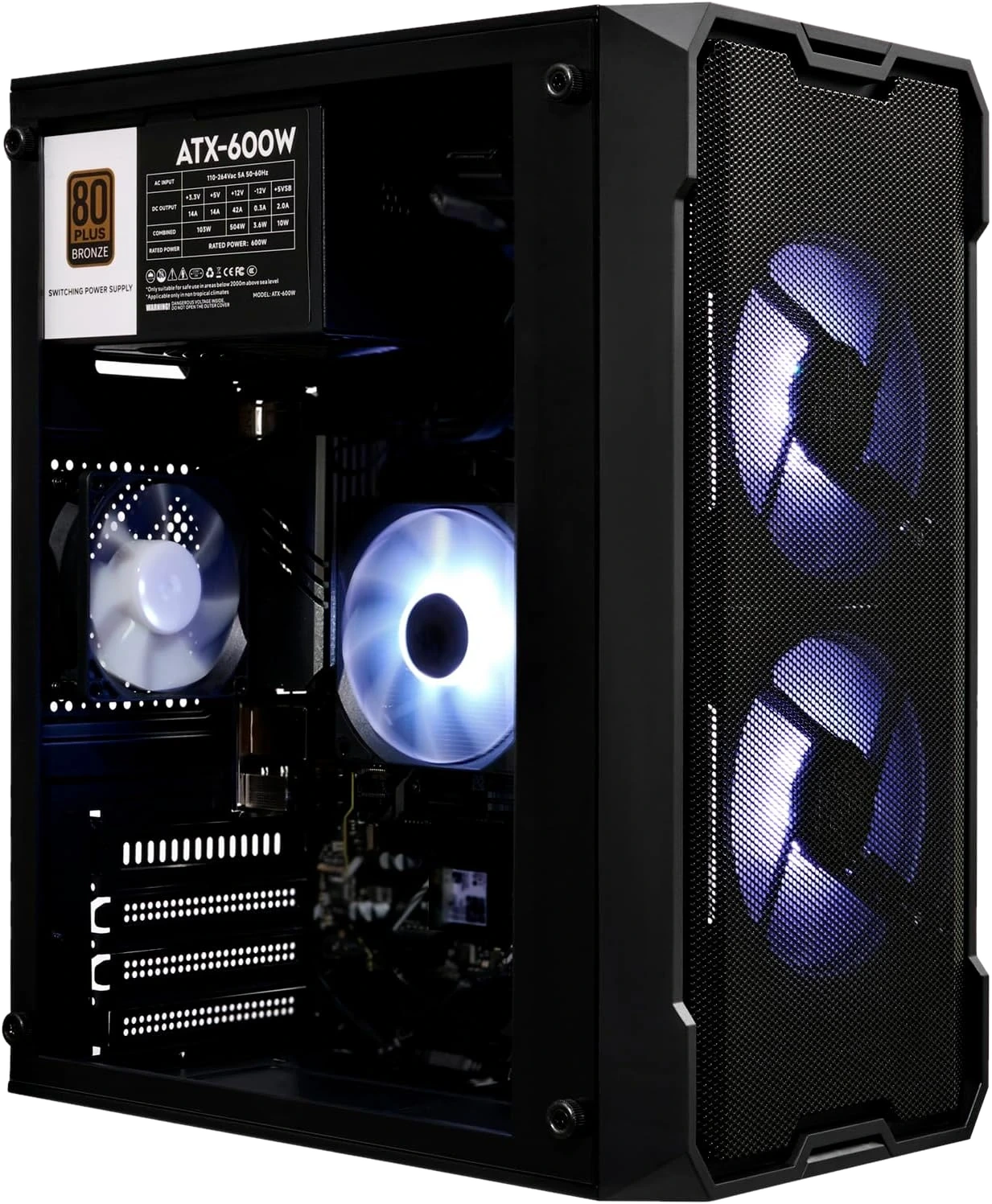
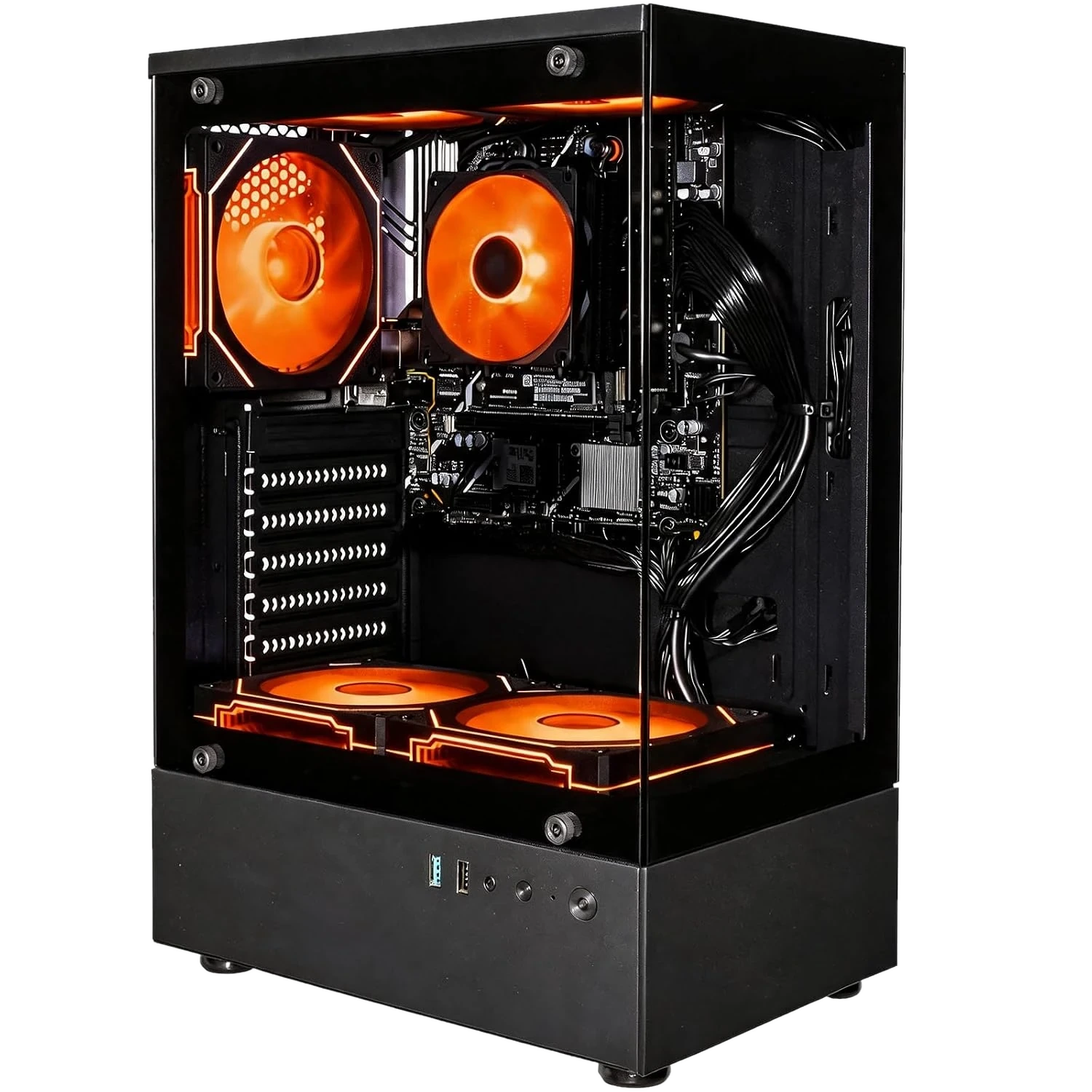
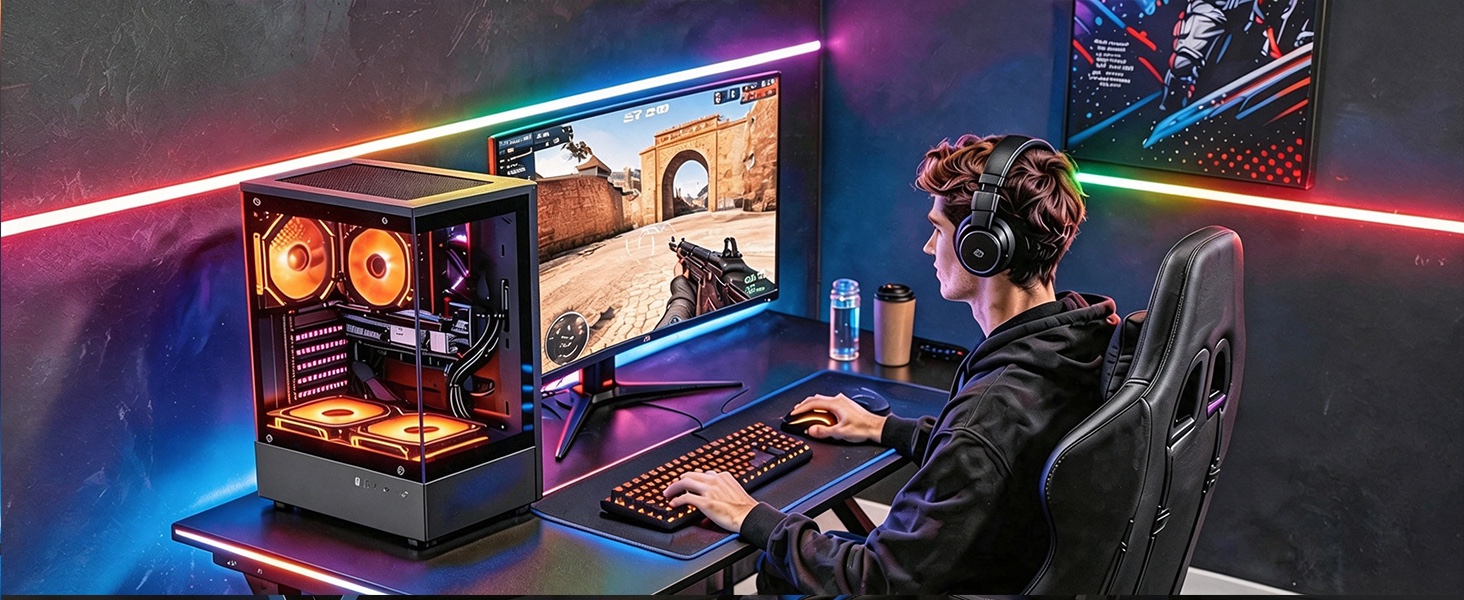
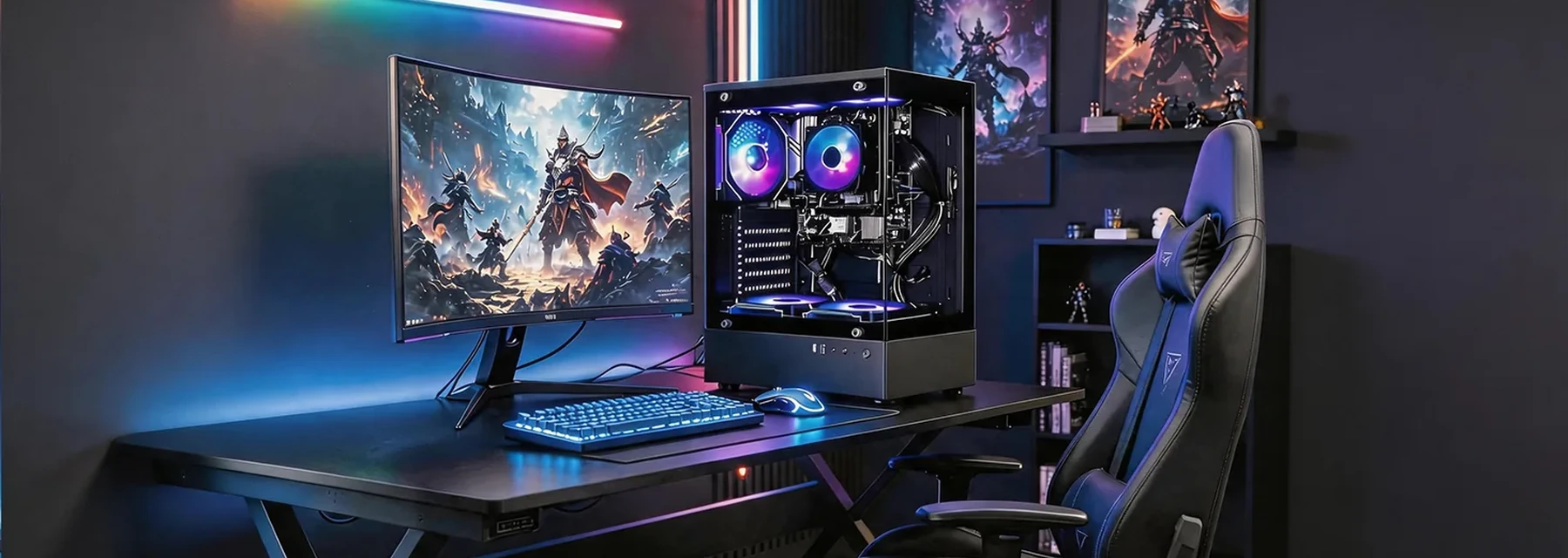
Olialia desktop PC in an RGB gaming setup

Here for your next step

Olialia Support

From your first startup to the next repair.
Find the right help for your PC, all in one place.

Help center

Start with the right resource.

Clear paths for setup, lighting controls, product identification and technical support.

01

GET STARTED

Quick start checklist

Connect the display to the correct video output, attach power and accessories, then complete Windows setup.

02

IDENTIFY YOUR PC

Identify your model

Use the model name or listing code from your order page so support can identify the exact configuration.

Browse all models →
03

TROUBLESHOOTING

Prepare useful details

Include the symptoms, when the issue started, and clear photos or a short video when that helps explain the problem.

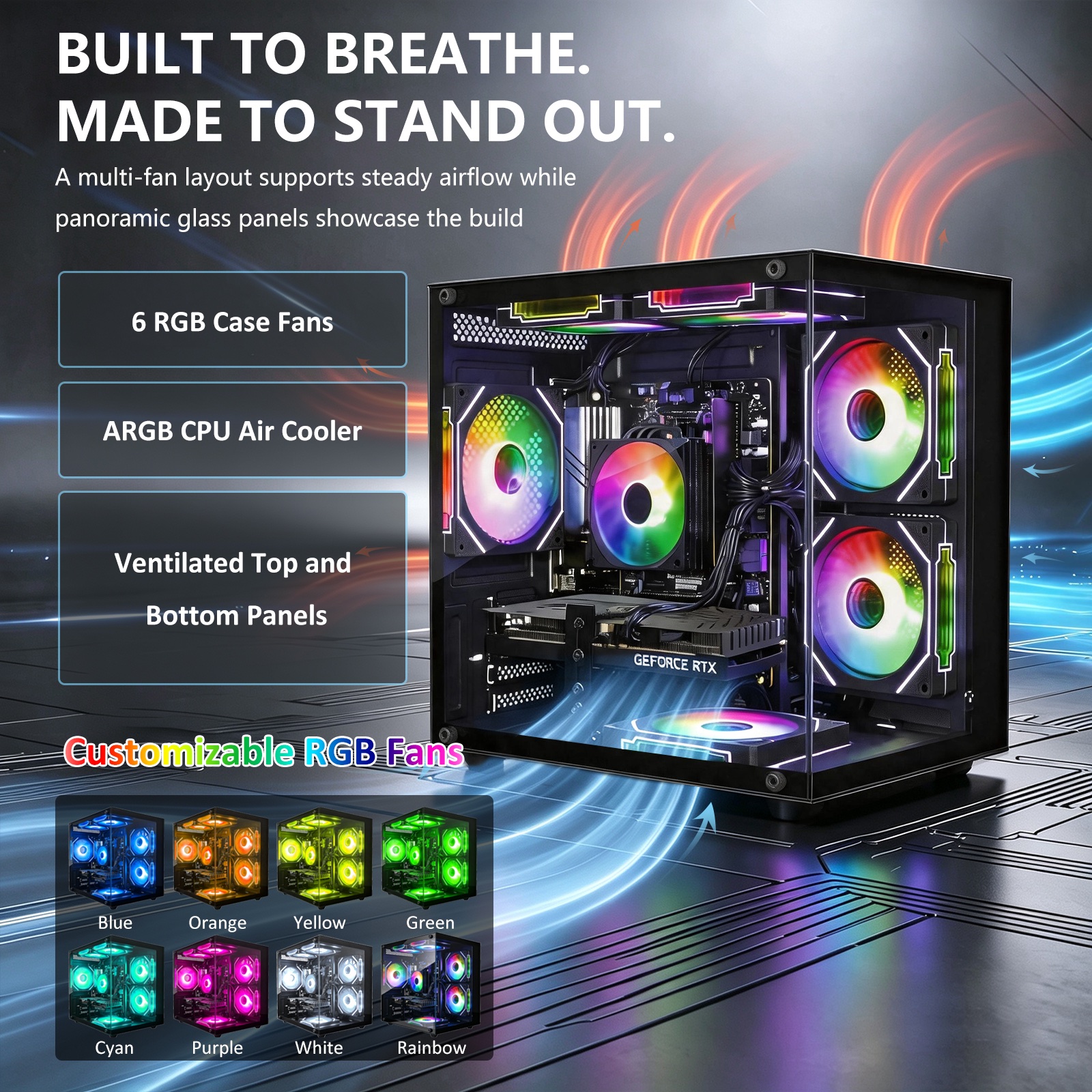
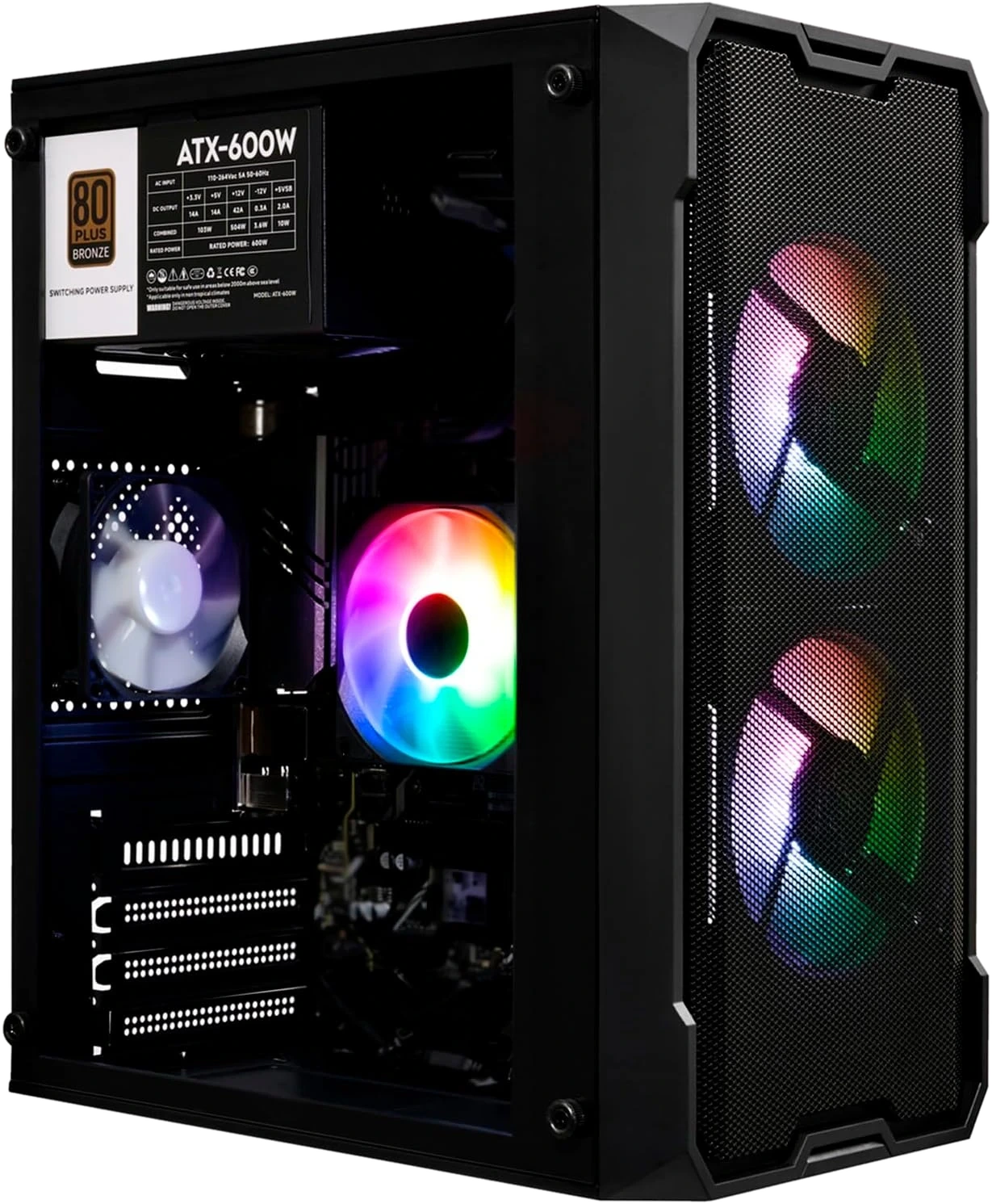
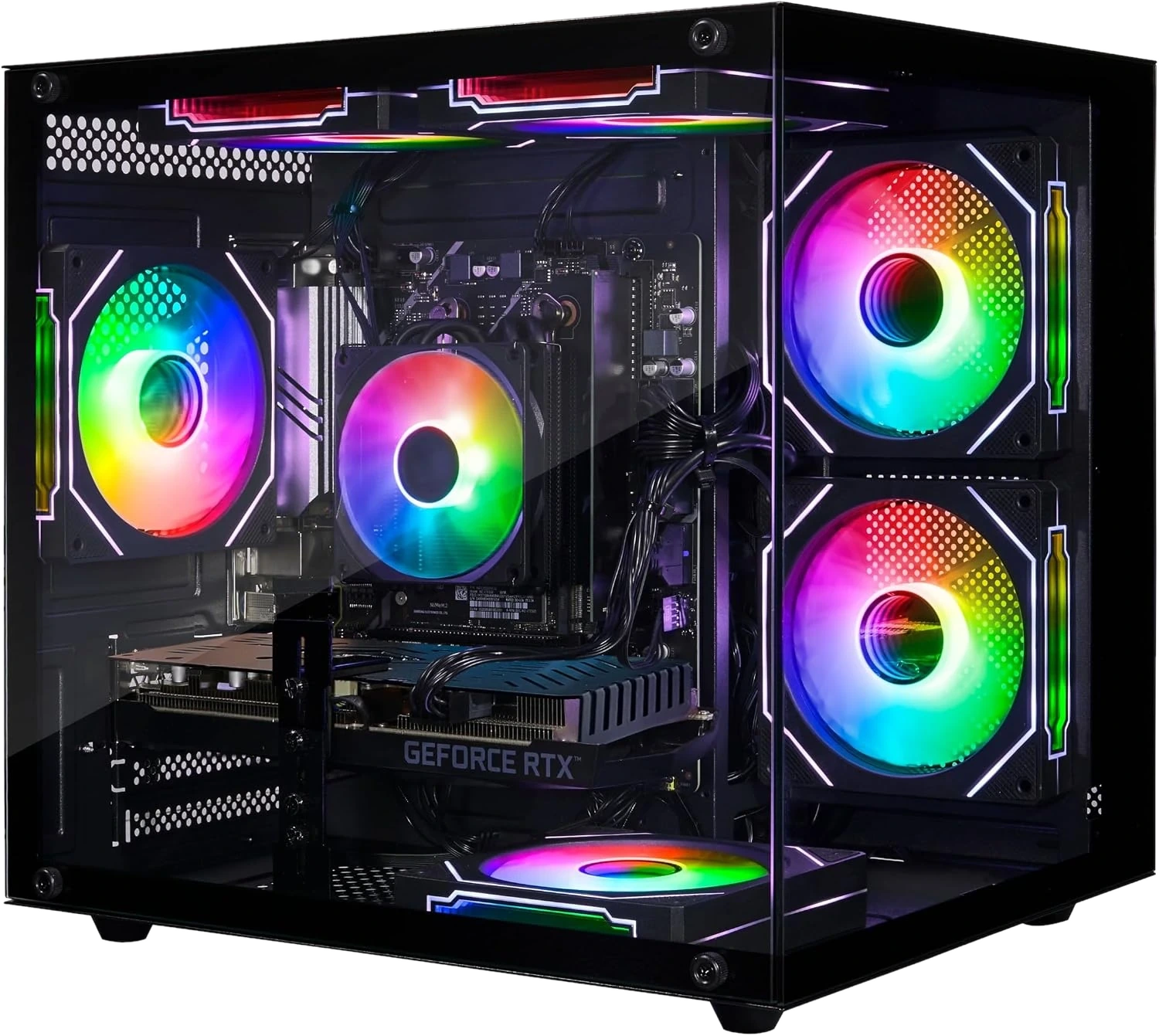
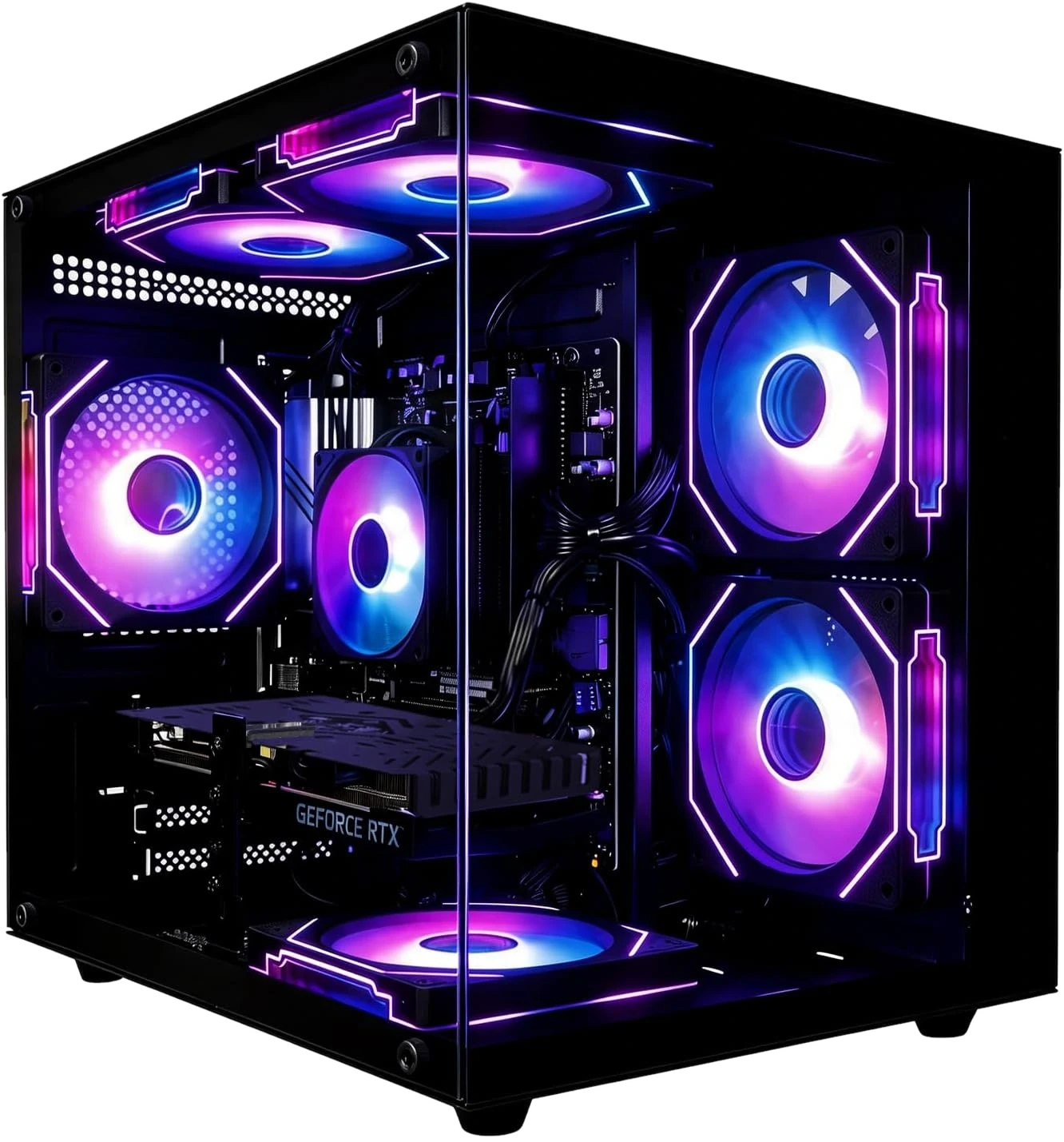
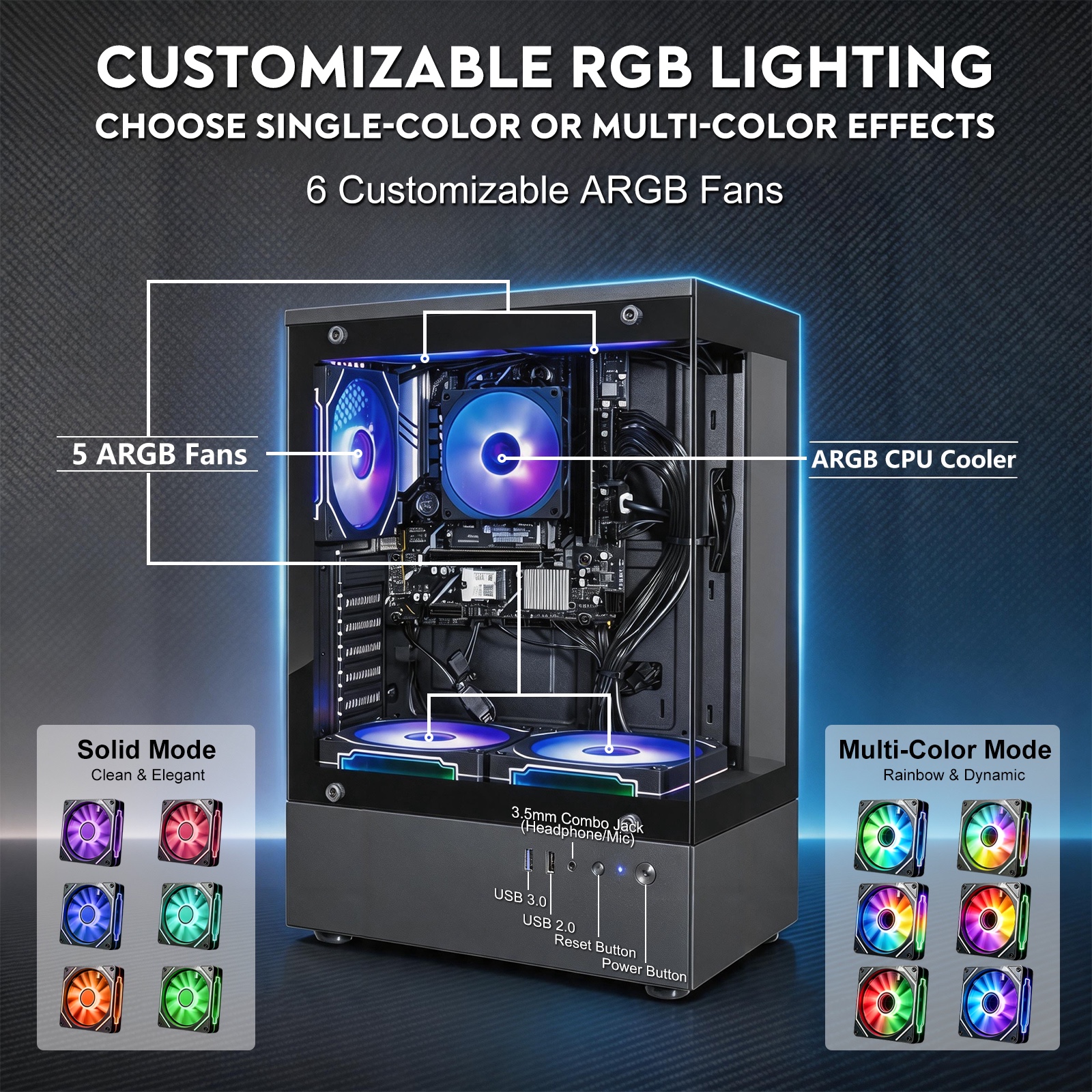
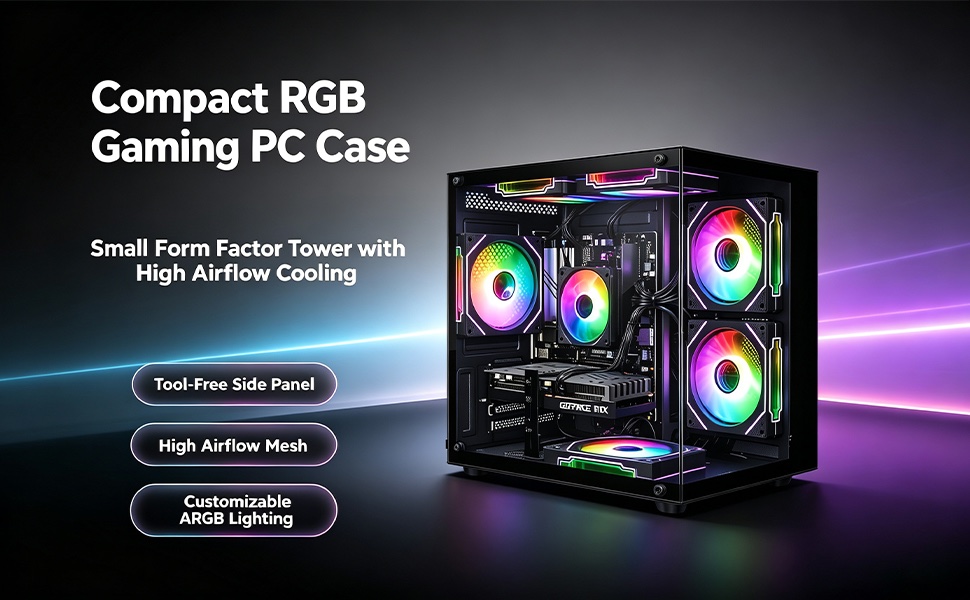
Olialia gaming PC customizable RGB lighting guide showing six ARGB fans and color modes

RGB control guide

Download. Install.
Make it yours.

Use the dedicated Olialia OpenRGB support page for compatible lighting-control software and installation guidance. The download site opens in a new tab so this support center stays available.

Software downloadInstallation stepsLighting customization
Download OpenRGB Package

Contact Olialia support

Still need help?
Open a ticket.

Tell us your model, order reference and what happened. A structured ticket makes it easier to understand your configuration and issue.

01

Product modelName or listing code from your order

02

Order referenceUsed only to identify your purchase

03

Issue descriptionInclude the steps already attempted

Questions & answers

Where should I connect my monitor?

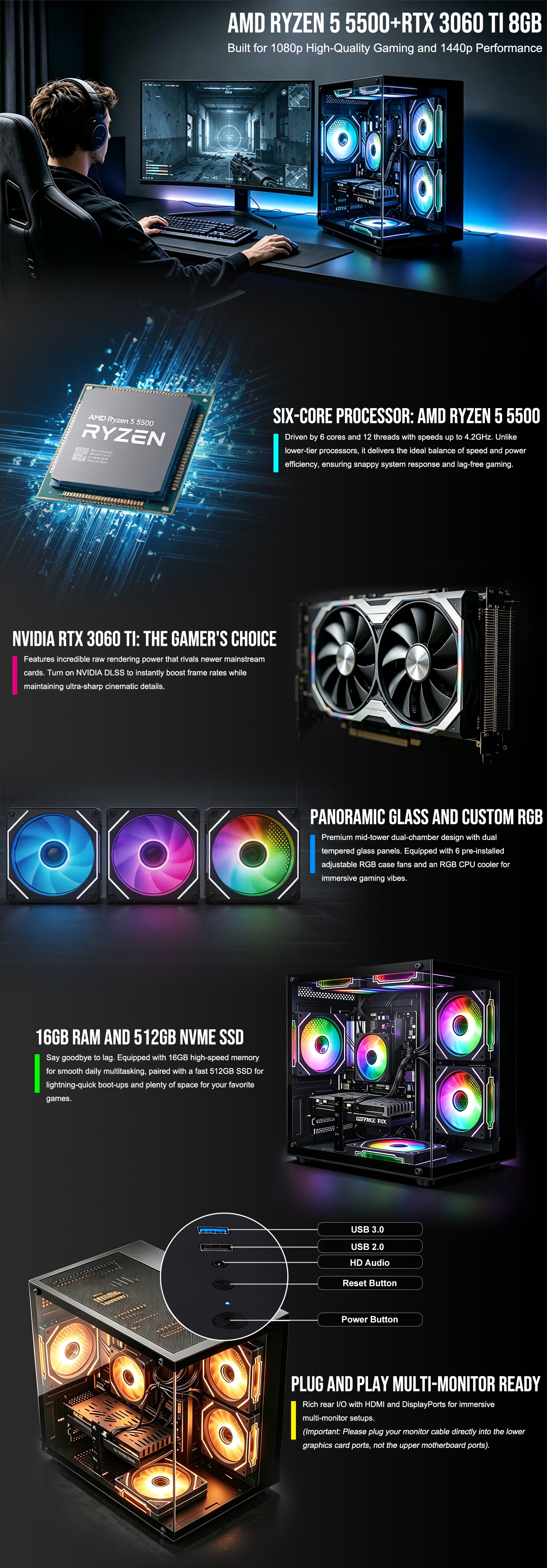
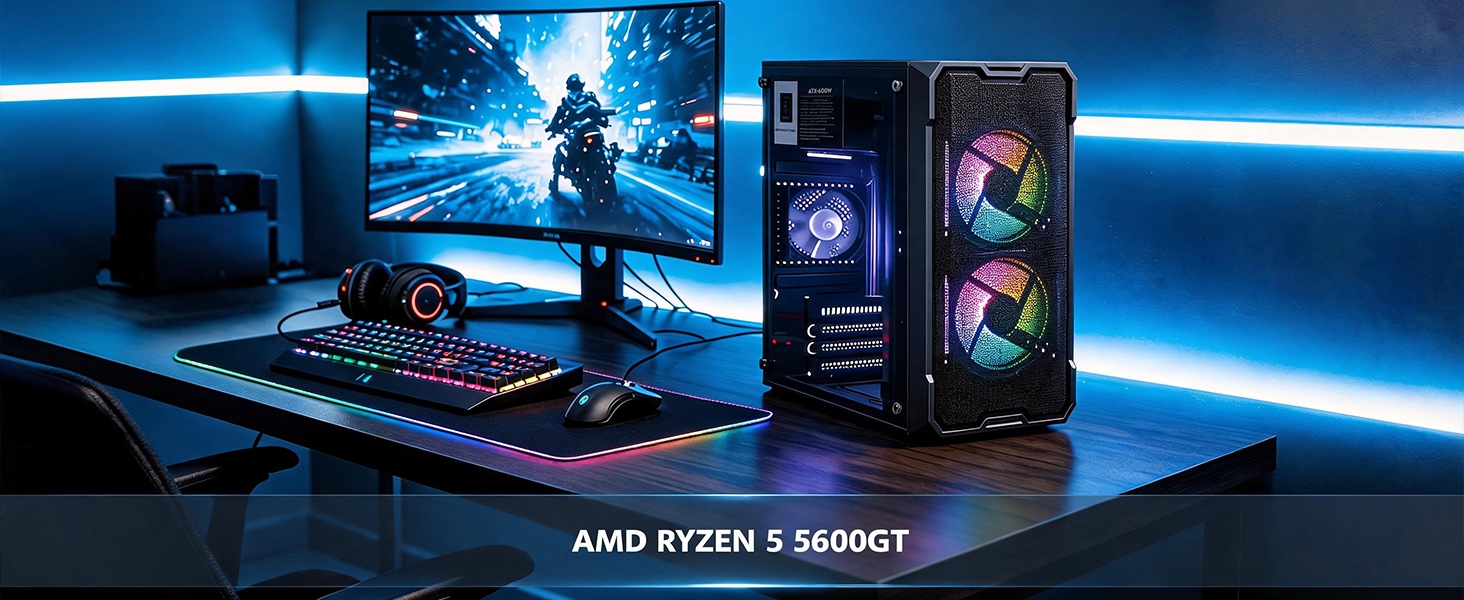
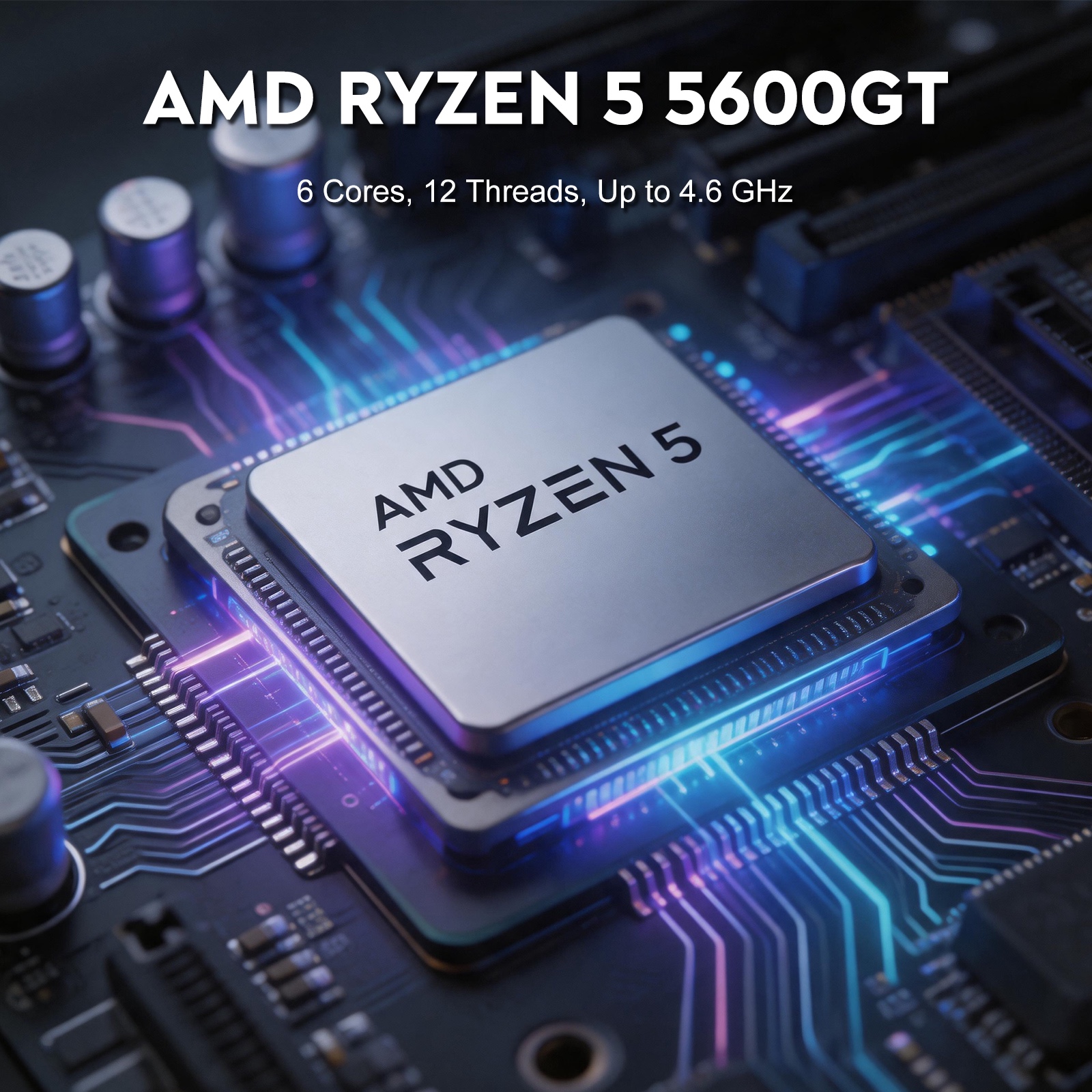
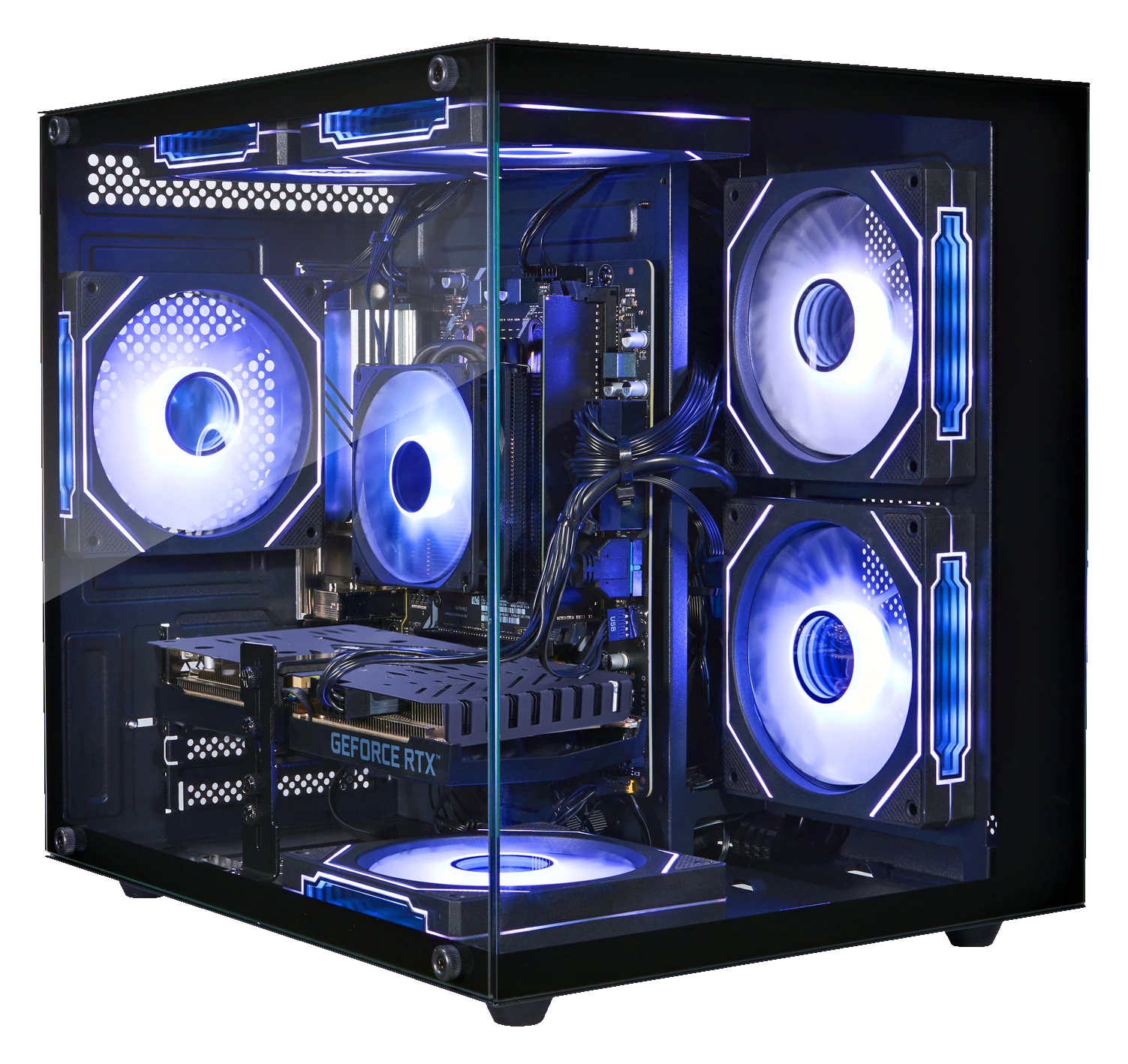
For models with an RTX 3060 Ti, connect the display cable to the graphics-card ports lower on the rear of the PC, not the motherboard video ports. Ryzen 5 5600GT configurations using integrated Radeon graphics should use the display output listed for that exact model.

What information should I include in a support ticket?

Include your product model or listing code, purchase channel, order reference if available, a description of the issue and the troubleshooting steps already attempted. Do not send passwords or payment information.